
Download PUBG Mobile AOW4.4 – PUBG Mobile, AOW4.4, emulator, PC, Windows, battle royale, mobile game, Tencent Studio
Overview
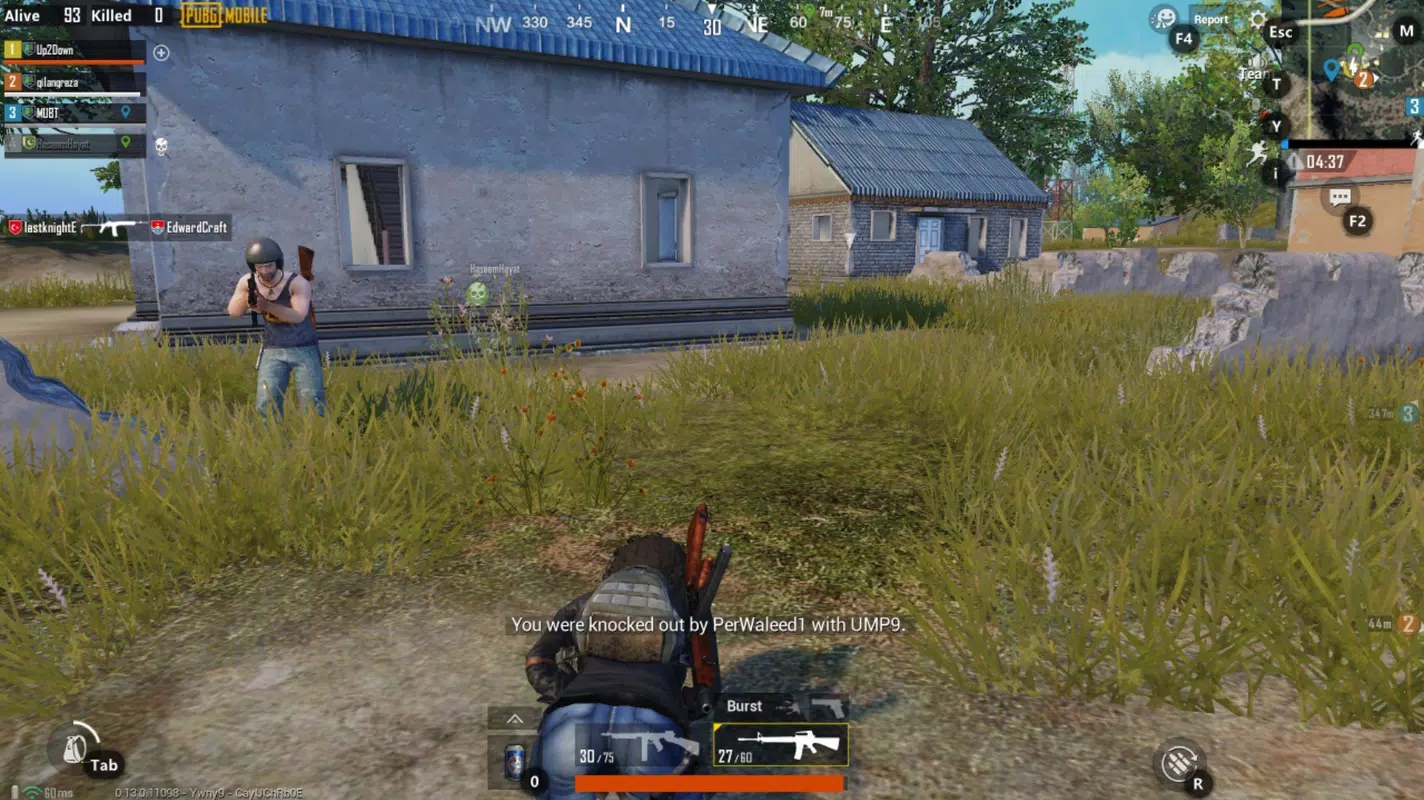
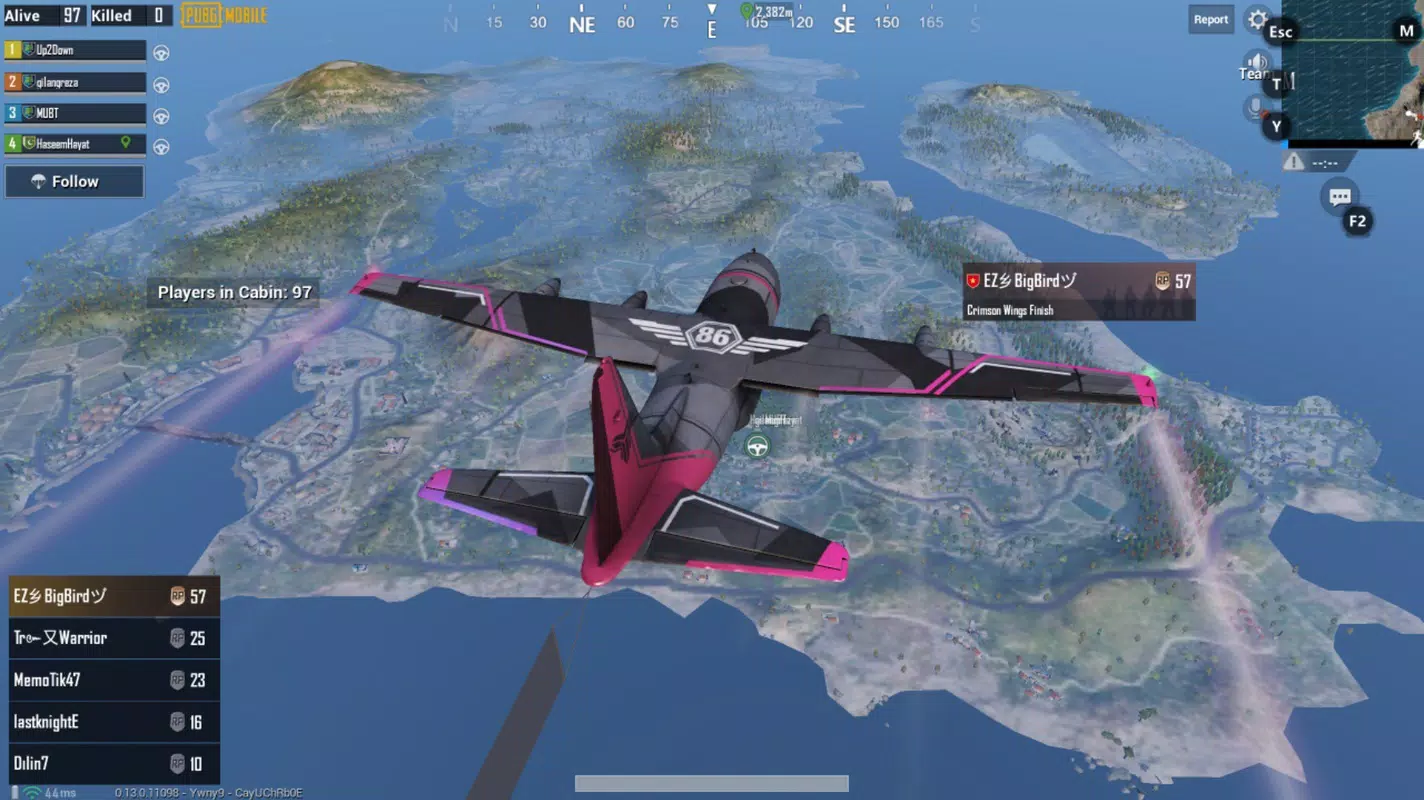
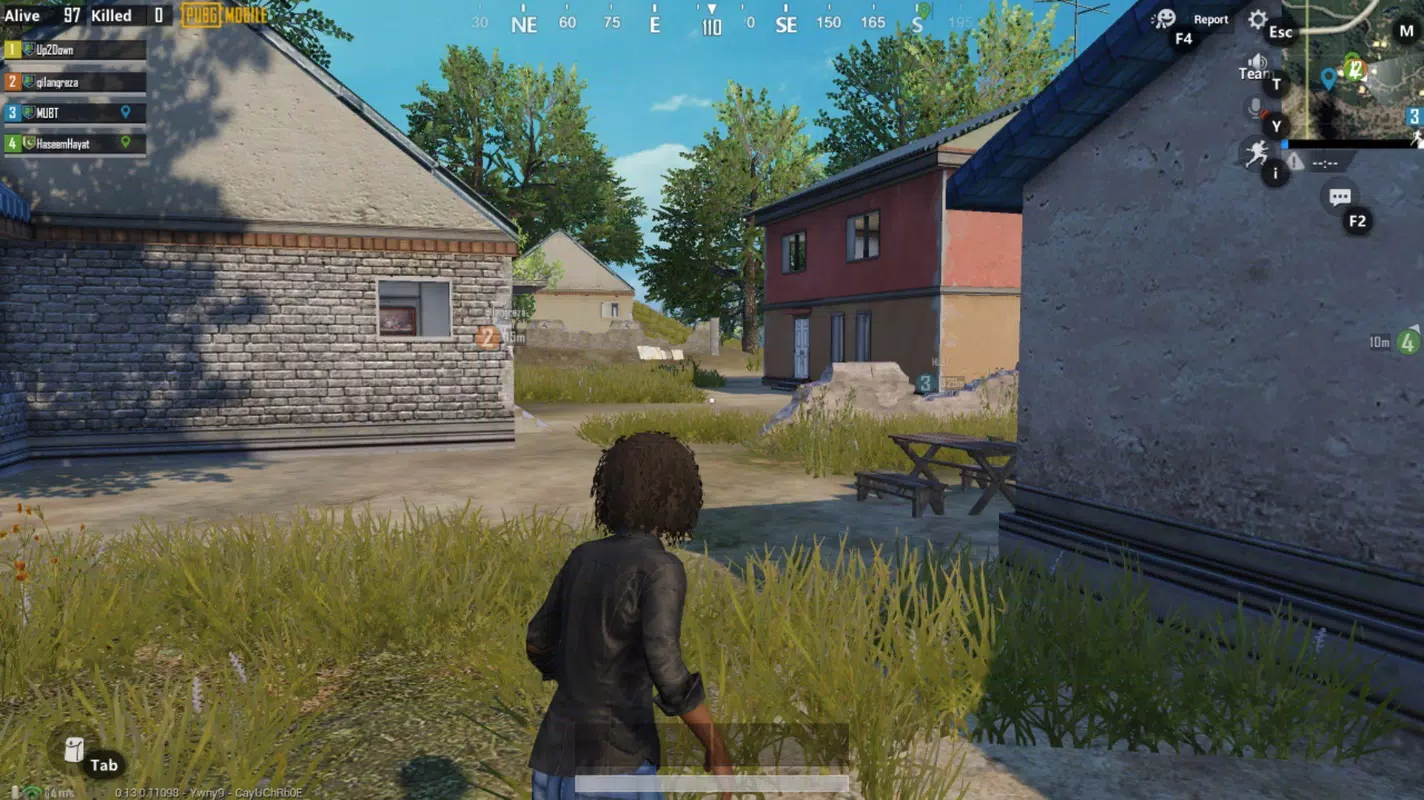
PUBG Mobile AOW4.4 is a mobile game emulator developed by Tencent Studio, designed to allow users to play PUBG Mobile on their personal computers. This tool enables gamers to experience the popular battle royale gameplay on a larger screen using mouse and keyboard controls, offering a more immersive and precise experience compared to touch-based mobile interfaces. The application supports streaming gameplay from Android devices to Windows systems, making it ideal for players who prefer desktop-level performance and control accuracy.
The core purpose of PUBG Mobile AOW4.4 is to bridge the gap between mobile gaming and PC gaming, particularly for players seeking enhanced control, better visuals, and smoother performance. It targets competitive players, mobile gamers who want a desktop upgrade, and those who enjoy playing on larger displays. The emulator simplifies setup by automatically installing required components, reducing the technical barrier for users without prior experience in emulation or PC gaming.
Real-world use cases include extended gaming sessions, tactical gameplay with improved aim, and team coordination in multiplayer matches. By enabling access to the full range of PUBG Mobile’s modes—such as the original battle royale and team deathmatch—this tool expands the game’s accessibility and appeal. In the broader app ecosystem, PUBG Mobile AOW4.4 stands out as a specialized utility that enhances cross-platform gaming, contributing to the growing trend of mobile-to-PC gaming integration.
Key Features & Functionality
- PC Streaming Emulation – Allows users to stream PUBG Mobile gameplay from Android to Windows, enabling mouse and keyboard control on a desktop environment.
- Automatic Setup – Installs all necessary components without requiring user intervention, ensuring a seamless onboarding process.
- Graphics Optimization – Adapts visual quality based on the user’s PC specifications, with default settings tuned for optimal performance.
- Customizable Controls – Offers adjustable configurations for movement, shooting, driving vehicles, and in-game actions to suit individual playstyles.
- Multiple Game Modes – Supports standard battle royale and team deathmatch modes, providing variety and replayability.
For example, a player using a high-refresh-rate monitor can leverage the emulator’s adaptive graphics to maintain high frame rates during intense firefights. Similarly, a user with a mechanical keyboard and mouse can benefit from precise aiming and rapid input execution, which is difficult to replicate on touchscreens. The ability to customize controls also helps players with physical limitations or preferences adapt the interface to their comfort.
Each feature is designed to improve both accessibility and performance. The automatic setup reduces user frustration, while control customization empowers players to refine their strategy. The emulator’s role in enhancing gameplay quality makes it a valuable tool for both casual and competitive players seeking a desktop advantage.
Interface, UX & Performance
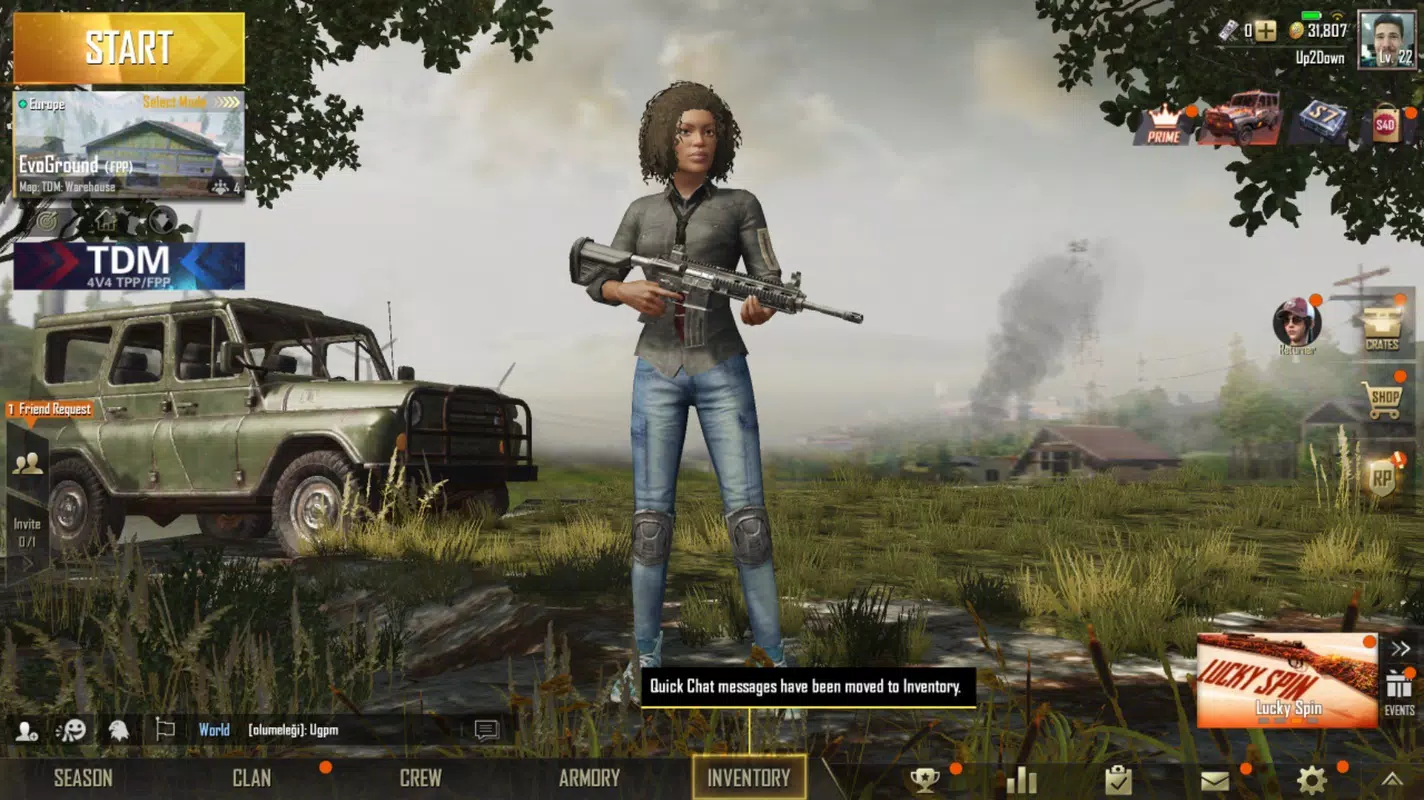
The interface of PUBG Mobile AOW4.4 is streamlined and focused on functionality, with a minimalistic layout that prioritizes ease of use. Users are guided through the installation and setup process with clear on-screen prompts, minimizing confusion during initial configuration. The main dashboard displays essential controls, connection status, and performance indicators, allowing users to monitor their session in real time.
Navigating between settings, game modes, and control configurations is intuitive, with logical grouping and consistent labeling. The emulator supports responsive interaction across different screen sizes and resolutions, ensuring a stable experience on various Windows devices. Although the developer did not list formal performance metrics, the application appears optimized for smooth gameplay, with minimal lag reported in standard use cases.
Stability is maintained through background process management, and the tool handles disconnections gracefully, allowing users to resume gameplay with minimal disruption. The visual style remains consistent with the original PUBG Mobile aesthetic, preserving the game’s immersive atmosphere. While the emulator itself does not include advanced analytics or telemetry, its focus on reliability and user experience makes it suitable for extended play sessions.
Platform Compatibility & Technical Requirements
PUBG Mobile AOW4.4 is designed for Android-based devices and is compatible with Windows systems. The application requires a minimum of 2.5 GB of storage space, which is standard for modern mobile game emulators. The software version is labeled as AOW4.4, indicating a specific release build from Tencent Studio.
The developer did not specify minimum OS requirements or hardware recommendations. However, based on the file size and intended use, users are advised to have a stable internet connection, a modern processor, and sufficient RAM to support simultaneous emulation and game streaming. Compatibility with specific Windows versions (e.g., Windows 10 or 11) was not disclosed.
For users with older systems, performance may vary depending on the device’s processing power and graphics capabilities. The emulator may not function optimally on systems with outdated drivers or limited memory. Users should ensure their PC meets general gaming standards to avoid potential instability.
Pros and Cons
Pros
- Enables PUBG Mobile gameplay on PC with mouse and keyboard controls.
- Automatic installation of required components simplifies setup.
- Supports multiple game modes, including team deathmatch and battle royale.
- Adaptive graphics settings optimize performance based on device capabilities.
- Free to download and use, with no in-app purchases required.
Cons
- Specific system requirements were not listed by the developer.
- Compatibility with certain Windows versions was not confirmed.
- Performance may vary on low-end or older hardware.
- No official support for iOS or macOS platforms.
- Limited information on update frequency or future development plans.
FAQ
Is PUBG Mobile AOW4.4 safe to download and install?
Yes, the emulator is developed by Tencent Studio, a reputable game developer. As long as the source is verified, the tool is considered secure for use on Windows systems.
Can I play PUBG Mobile AOW4.4 on my Mac or iPad?
The application is currently designed for Windows systems. There is no official support for macOS or iOS devices at this time.
Do I need a powerful PC to run the emulator?
While the emulator is optimized for performance, a mid-to-high-end PC with sufficient RAM and a capable graphics card is recommended for the best experience.
Is there a cost to use PUBG Mobile AOW4.4?
No, the tool is available for free. There are no subscription fees or in-app purchases required.
How often is PUBG Mobile AOW4.4 updated?
The developer has not disclosed the update schedule. Users should check the official source for the latest version and compatibility information.
Final Thoughts
PUBG Mobile AOW4.4 delivers a compelling solution for players who want to experience the full intensity of battle royale gaming on their desktop. By combining the power of PC hardware with the accessibility of mobile gameplay, it offers a unique hybrid experience that enhances control, visual fidelity, and strategic depth. The automatic setup and customizable interface make it approachable for both new and experienced users.
While some technical details remain unspecified, the emulator’s core functionality is robust and well-executed. It is particularly valuable for competitive players, streamers, and those who prefer a larger screen and precise input methods. For anyone looking to elevate their PUBG Mobile experience, this tool represents a significant upgrade.
Download PUBG Mobile AOW4.4 now


